How AutoApplyMax works, step by step
The tools above are built to be used in order. Each step reuses what you did in the previous one, so you write your profile once and every resume, letter and application starts from it.
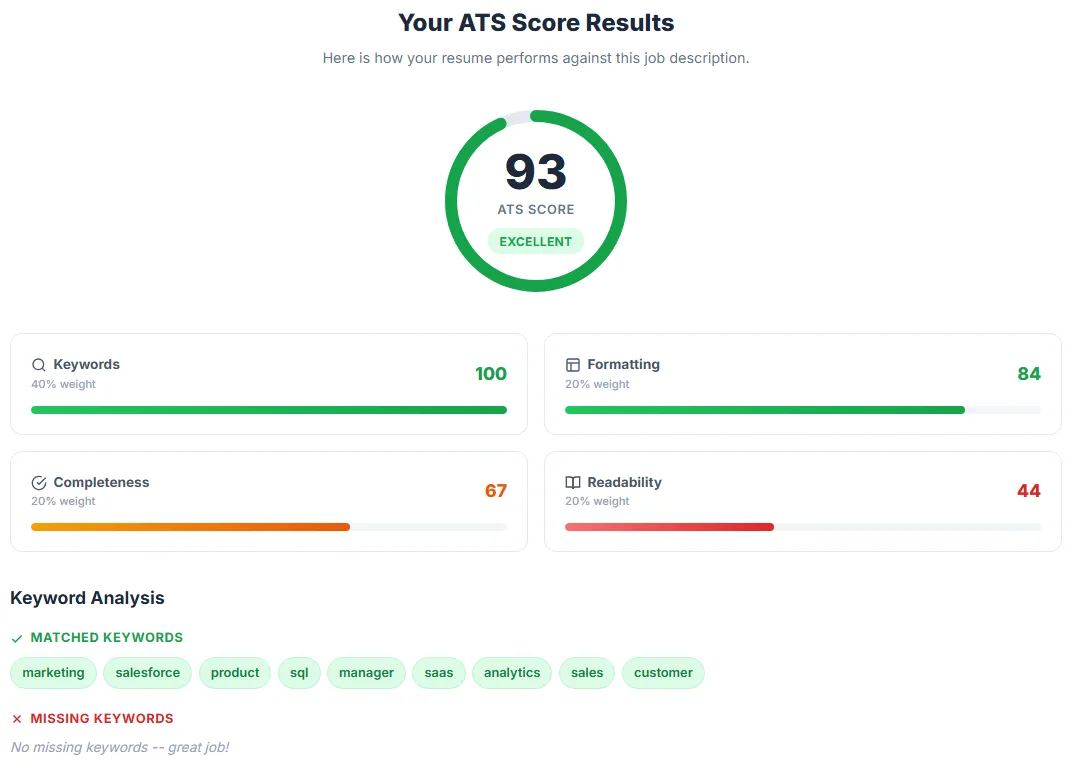
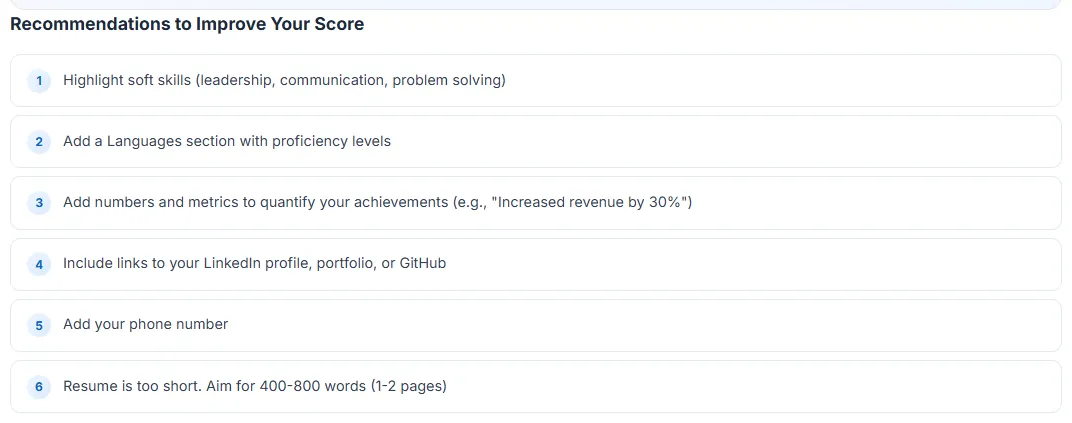
- Check where your resume stands. Paste or upload it into the ATS score checker with a job description. You get a score, the keywords you are missing and the formatting issues an applicant tracking system may trip on. No account needed.
- Create your profile once. Sign up free and upload your resume or LinkedIn PDF. The dashboard turns it into a profile (contact details, experience, education, skills) that every tool and the Chrome extension read from.
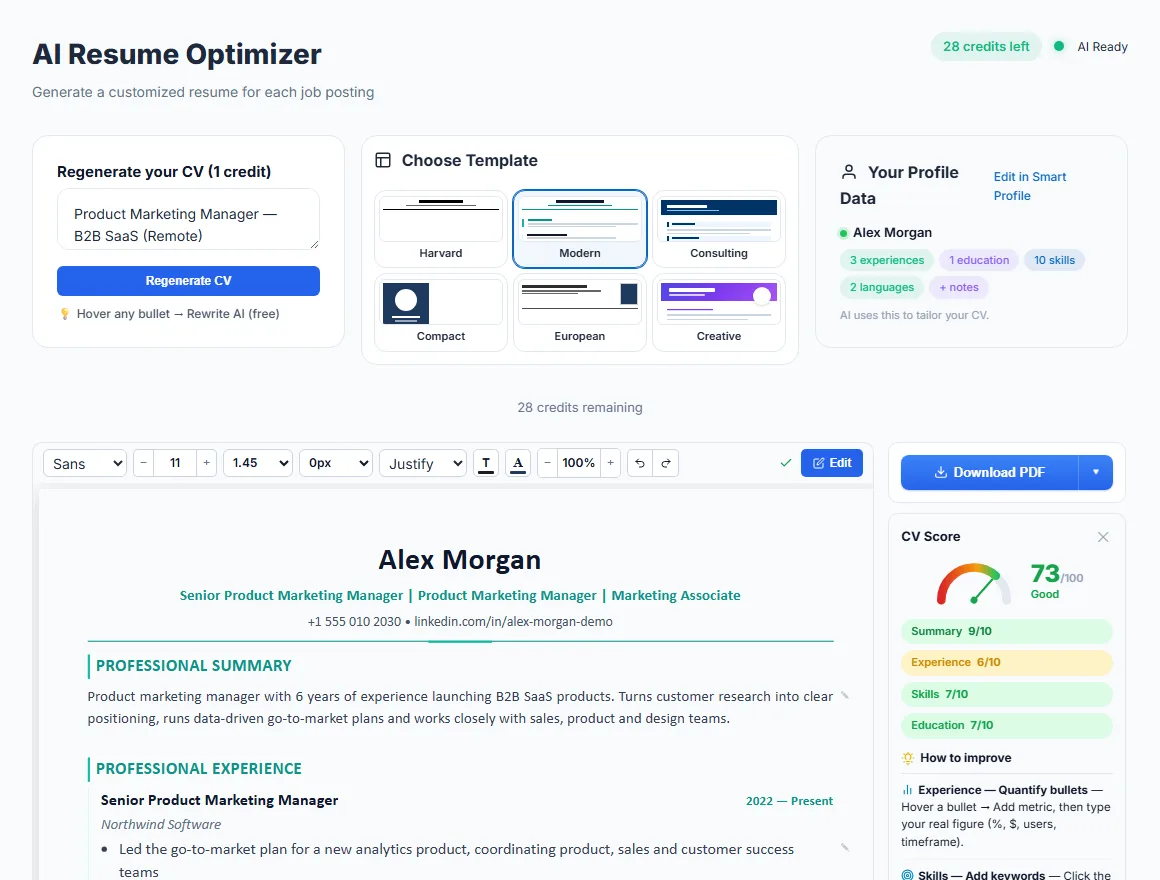
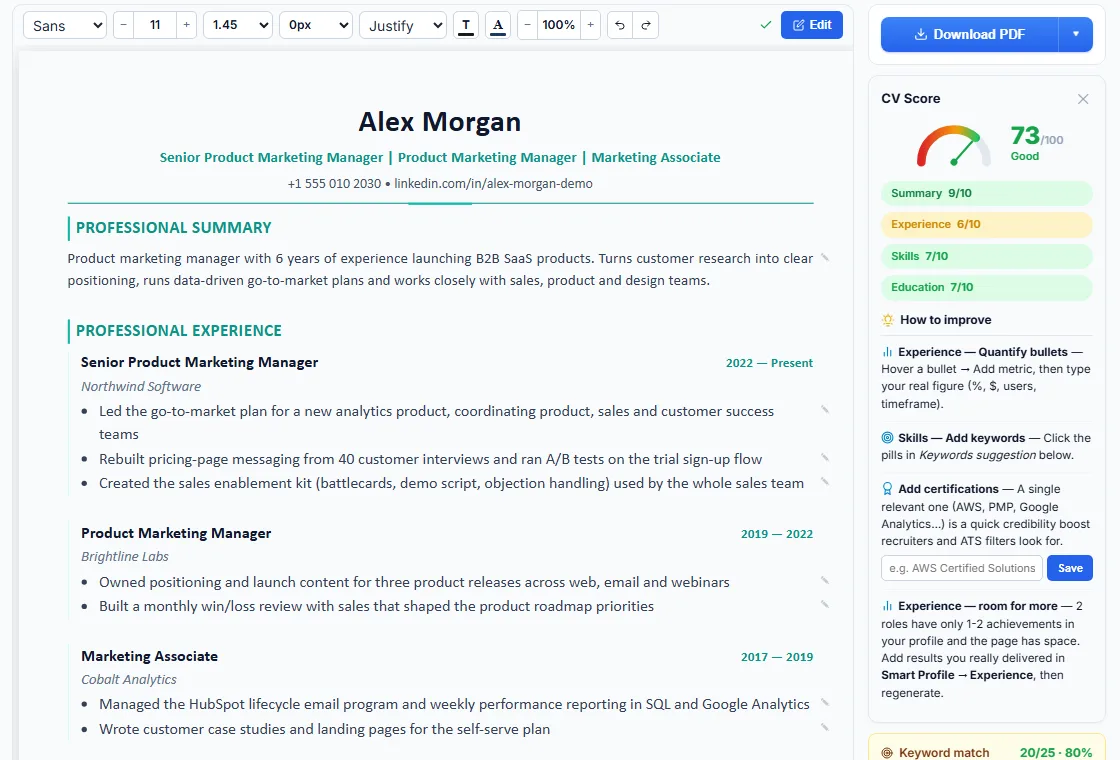
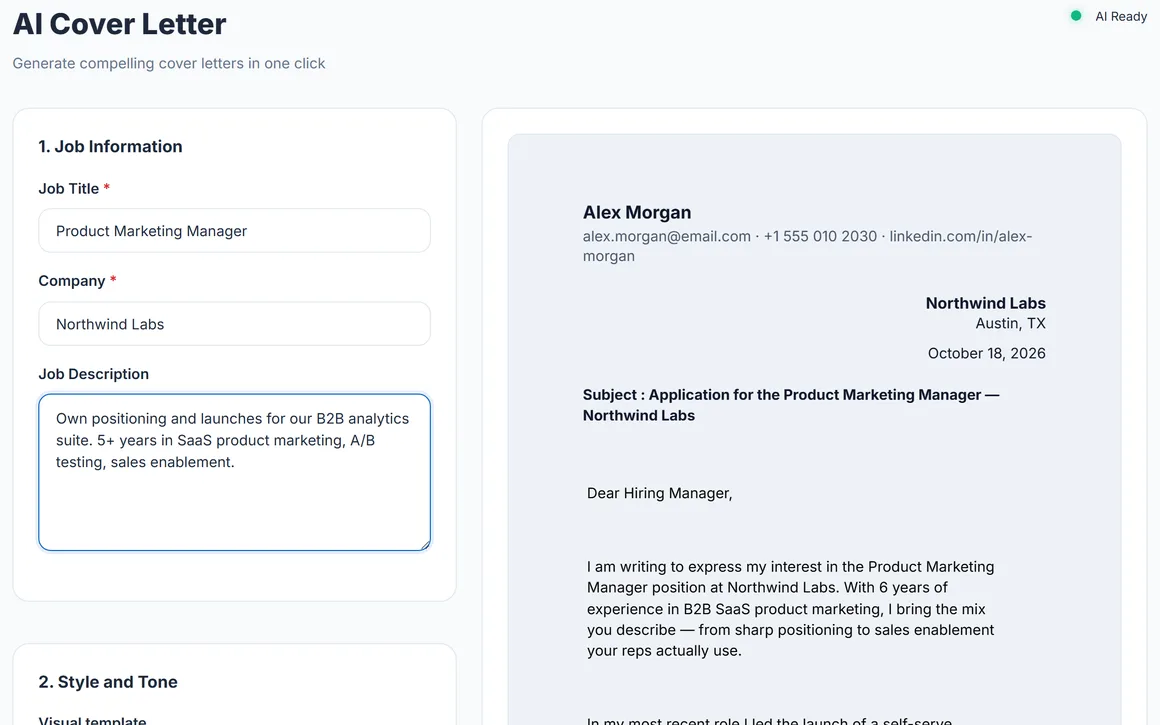
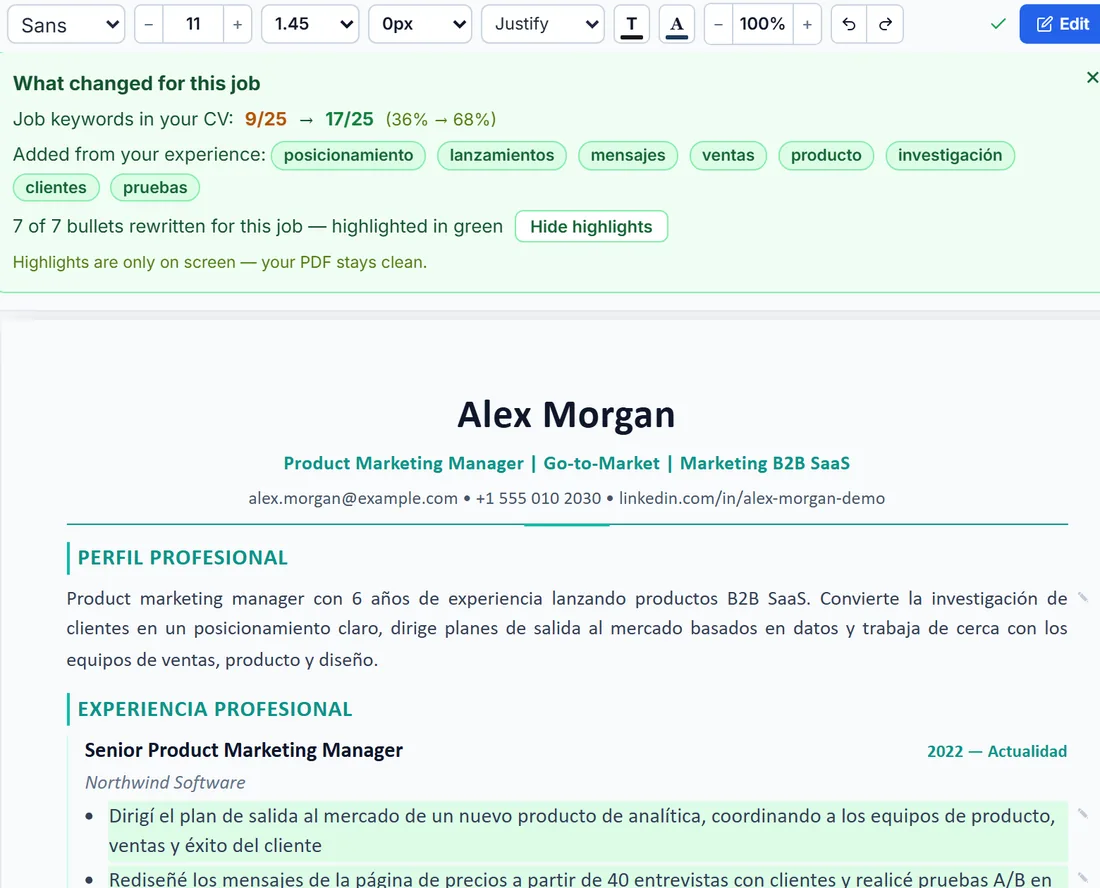
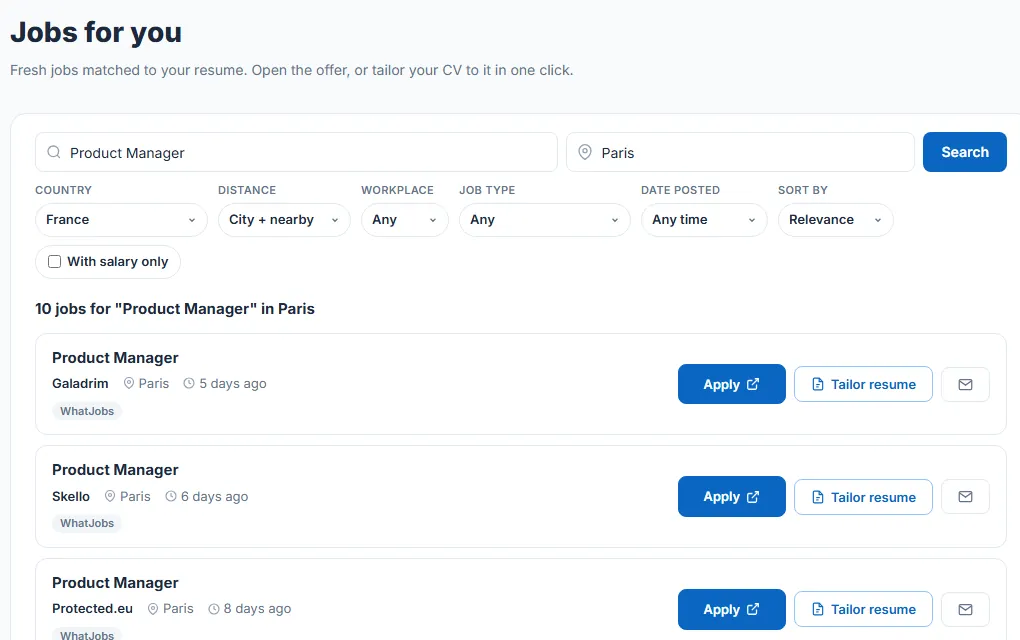
- Tailor for each job. Paste the job description into the AI resume builder: it rewrites your real experience around the posting's keywords, in one of 6 templates, and you can edit every line before you download the PDF or Word file. The cover letter generator works the same way. Nothing is invented: employers, tools and numbers come from your own resume.
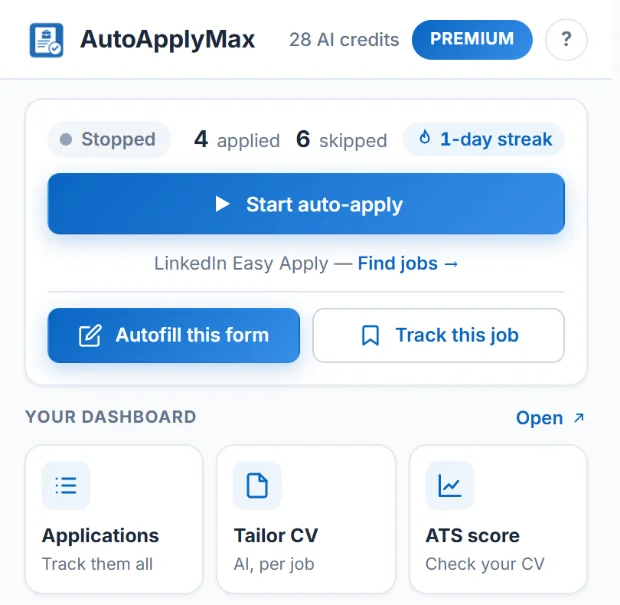
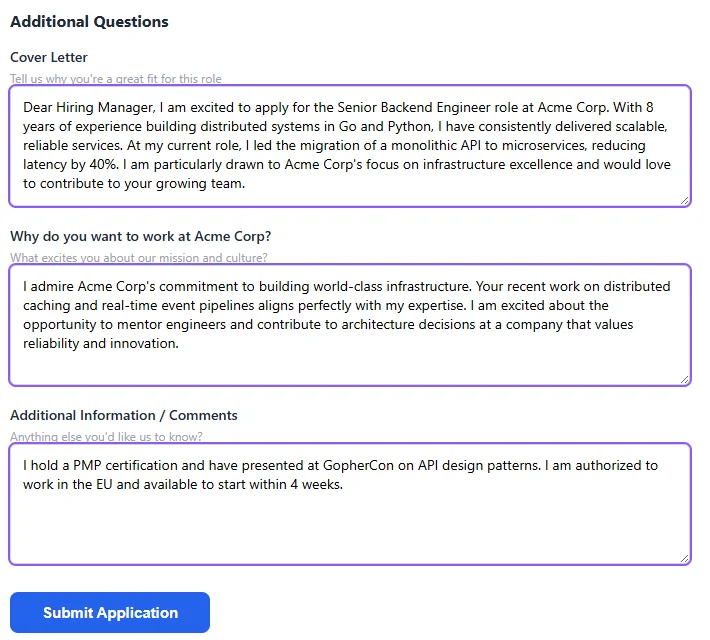
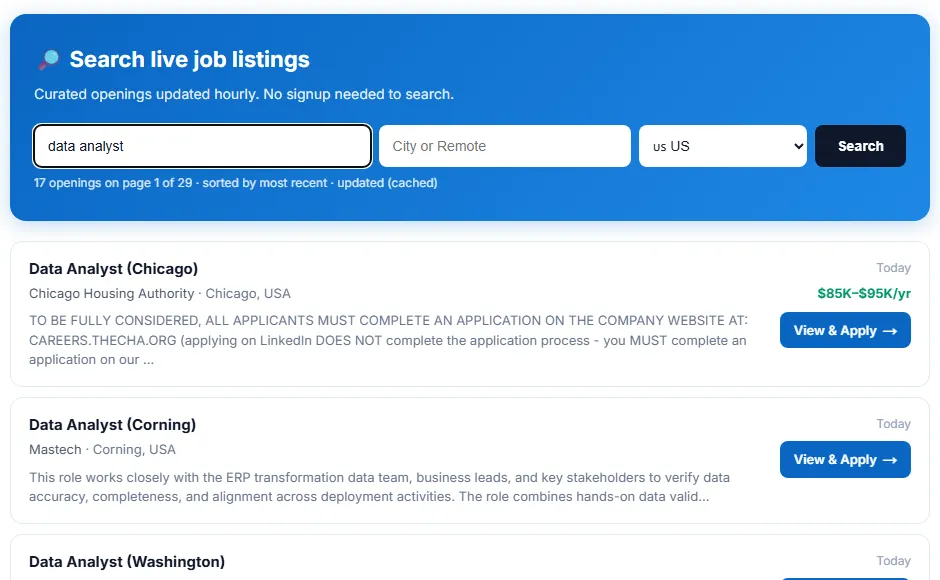
- Apply. Install the extension, run your LinkedIn job search with the Easy Apply filter and click Start. It applies at a human pace, pauses on its own when LinkedIn asks it to slow down and stops when LinkedIn's daily Easy Apply limit is reached. On every other site, autofill fills the form and you review it and click Submit.
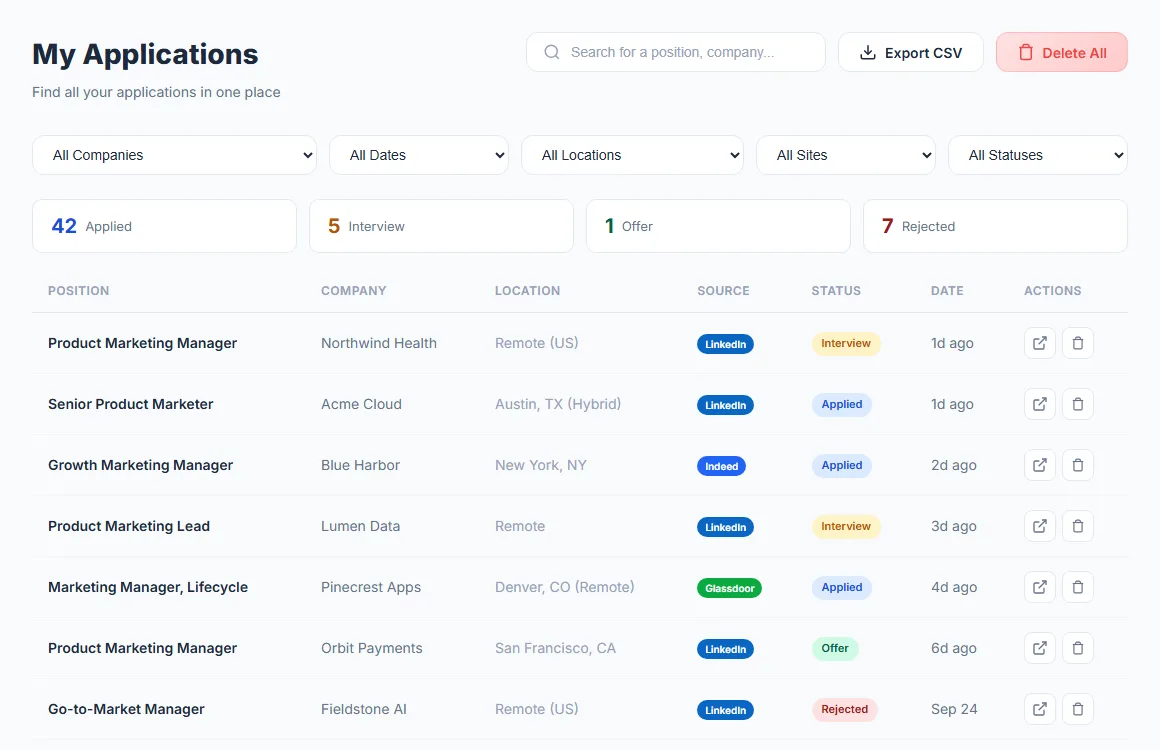
- Track and adjust. LinkedIn applications are logged automatically in the application tracker. Analytics shows your volume over time and by source, and Career Insights points out what to change in your resume or your targeting.
What is free and what needs Premium
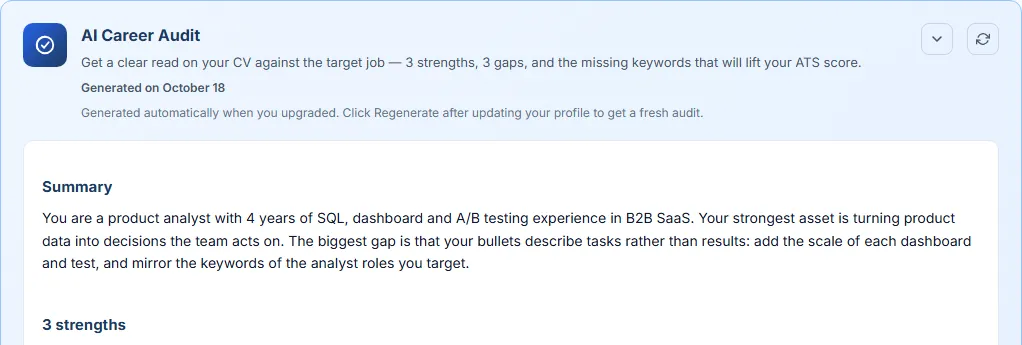
The Free plan includes unlimited auto-apply on LinkedIn Easy Apply, autofill from your profile on any job site, 1 AI credit a month (one tailored resume or one cover letter), unlimited AI rewrites in the resume editor, the ATS score checker and the application tracker. Premium ($6.99/month, or $49.90 once for lifetime access) adds 30 AI credits a month, AI answers to screening questions, AI autofill on 100+ ATS portals and the AI Career Audit. Unlimited ($22.99/month) removes the credit cap. Full details on the pricing page.
Which feature to start with
- Most of your applications go through LinkedIn: start with the extension and LinkedIn auto-apply, then tailor a resume for the roles you care most about.
- You apply but get few interviews: run the ATS score checker on a few recent job descriptions and fix the gaps it finds, then use the resume match score before each application.
- You apply through company career portals: use autofill for job applications on Workday, Greenhouse or Lever forms, with a tailored resume and cover letter for each job.
- You apply in another language: resume translation writes your resume in the language of the posting, with your real dates and numbers.
New to AutoApplyMax? See how to auto apply to jobs with AutoApplyMax on the homepage, or how the Easy Apply bot for LinkedIn works.