Why AI Autofill for job applications matters
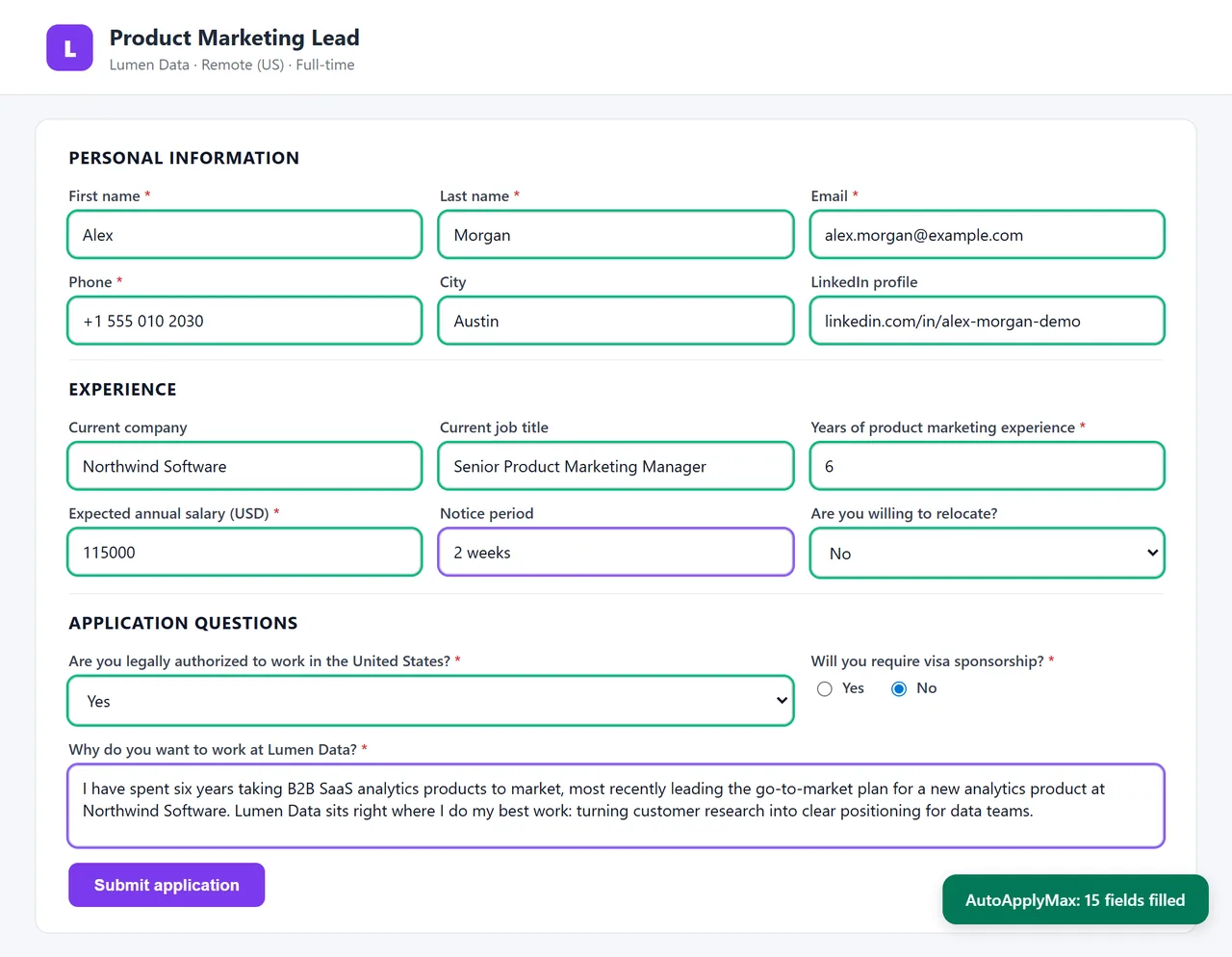
A serious job search means 30–50 applications per week. Every application on a portal outside LinkedIn (Indeed, Workday, Greenhouse, and 100+ others) asks you to retype the same 25 fields: name, email, phone, address, LinkedIn URL, GitHub, current employer, previous roles, education, degrees, work authorization, salary expectation. At 10 minutes per form you burn 5+ hours a week on data entry. Autofill cuts that to seconds: you fill in your AutoApplyMax profile once, and every job form after that is filled with your data in one click. With Premium, AI Autofill also handles the harder part: screening questions. Portals like Workday and Greenhouse routinely ask 3–8 open-ended questions per application ("Describe a project where you led cross-functional stakeholders", "Why do you want to work at [Company]?"). Manually answering these takes another 15 minutes. AI Autofill reads the question and your profile and writes a personalized answer in your voice: seconds instead of 15 minutes.
AI Autofill vs Chrome's built-in autofill
Chrome's built-in autofill is limited to basic contact fields (name, address, phone) and only if the form uses standard HTML field names. It doesn't handle work history, education, screening questions, or any job-specific field. AI Autofill covers all of those and, with Premium, uses AI to answer open-ended questions — Chrome can't do that. Chrome's autofill also doesn't handle multi-step forms (Workday's 5-page apply flow), can't iterate through repeated fields (each past job as separate entries), and doesn't know about profile fields like "salary expectation" or "notice period".
Which portals does AI Autofill actually cover?
Supported platforms include Indeed, Glassdoor, Monster, Welcome to the Jungle, Workday, Greenhouse, Lever, Ashby, iCIMS, Taleo, SmartRecruiters, Jobvite, Workable, BambooHR, Recruitee, Personio, Teamtailor, Rippling, Zoho Recruit, JazzHR, and dozens more. Beyond that, any custom company career page that uses a standard HTML form will also autofill — the extension detects form fields dynamically. If a page uses an unusual custom form and autofill misses some fields, tell us and we will look at adding support.
How AI Autofill differs from Auto-Apply LinkedIn
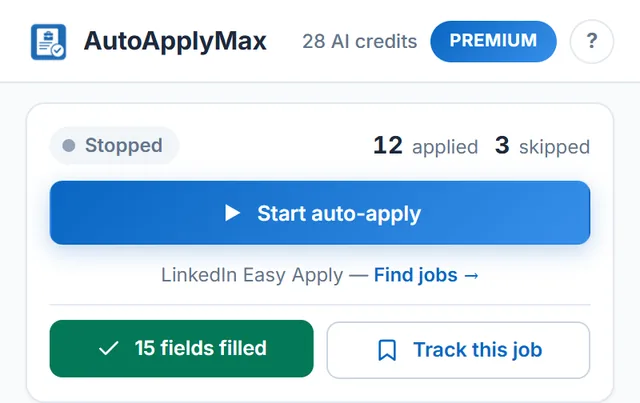
Auto-Apply LinkedIn is fully hands-off: the extension applies to jobs for you, no click required, on LinkedIn Easy Apply only. AI Autofill is one-click, works on 100+ portals, but leaves the Submit button for you to press — because portals like Workday and Greenhouse each have their own validation rules and you should keep the final say. Both features come from the same free Chrome extension. Auto-apply on LinkedIn is free on every plan, and so is profile autofill (contact and work history fields). Only the AI part, AI-written screening answers, requires Premium at $6.99/month.
Free vs Premium — where the paywall sits
Basic profile-based autofill is free on every portal. Premium unlocks AI-written answers to screening questions (the "why do you want to work here?" kind), plus 30 AI credits a month for tailored resumes and cover letters, and the AI Career Audit. If you only want the fields filled in and you're happy to type your own screening answers, the free plan is enough.
Related: LinkedIn auto apply (the Easy Apply bot that submits for you, LinkedIn Easy Apply only), auto apply to jobs with AutoApplyMax, and every AutoApplyMax feature.