What auto apply means, site by site
"Auto apply", "autoapply" and "one-click apply" get used for very different things. Here is exactly what AutoApplyMax automates on each kind of site.
| Where you apply | What the extension does | Who clicks Submit |
|---|
| LinkedIn Easy Apply | Auto-apply: opens each job in your search, fills every step, attaches your resume, answers screening questions | The extension, for you |
| Indeed | Indeed autofill: fills the application form from your profile | You |
| Glassdoor, Welcome to the Jungle, Monster | Autofill from your profile | You |
| Workday, Greenhouse, Lever, Ashby, iCIMS, company sites | Universal autofill; with Premium, AI answers to open questions | You |
| LinkedIn jobs without Easy Apply | Skipped by auto-apply; autofill works on the company site they send you to | You |
Auto-apply stays on LinkedIn Easy Apply because it is the one place where the application form is the same for every job. Every other site has its own form, account and captcha, so the extension fills it and leaves the final check and the Submit button to you.
Can you automatically apply to jobs for free?
Yes. The free plan includes auto-apply on LinkedIn Easy Apply with no cap of our own, autofill from your profile on other job sites, the application tracker, the free ATS score checker and 1 AI credit a month for a tailored resume or cover letter. Premium ($6.99/month or $49.90 lifetime) adds AI answers to screening questions, AI autofill on 100+ portals and 30 AI credits a month. Unlimited ($22.99/month or $149.90 lifetime) removes the AI credit limit. See pricing.
Auto apply with a resume made for the job
Sending more applications only helps if each one fits the role. Before a batch, paste the job description into the AI resume builder: it rewrites your summary and bullets around the job's keywords using only what is in your profile, then exports an ATS-readable PDF. Check the result against the same posting with the ATS score checker, and add a cover letter for the roles that ask for one.
Limits and safety
- LinkedIn sets the pace. It slows accounts that apply very quickly and caps Easy Apply submissions per day. The extension pauses when LinkedIn shows a rate-limit message, resumes on its own, and stops for the day when LinkedIn says the limit is reached. What we measured is on the LinkedIn auto apply page.
- No password sharing. The extension works inside the browser where you are already signed in. It never asks for your LinkedIn, Indeed or email password.
- Nothing half-finished. A form it cannot complete is skipped, not submitted. Skipped jobs stay in your search so you can apply by hand.
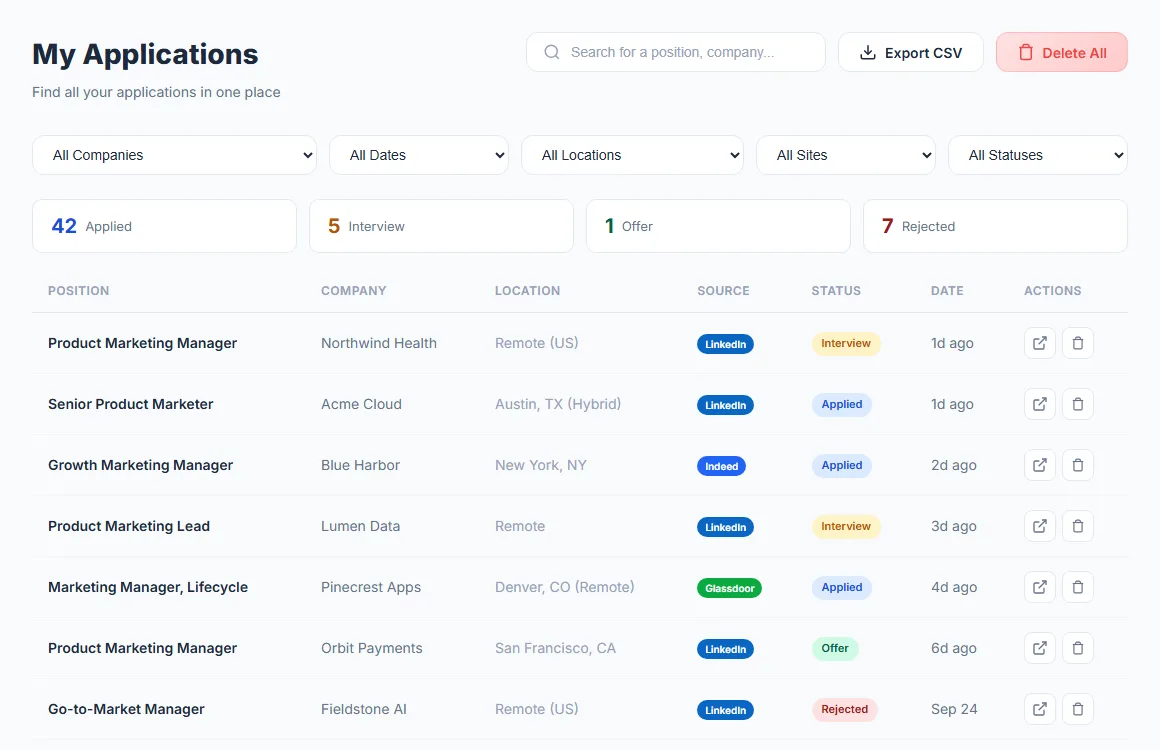
- Every application logged. Auto-applies land in your job application tracker with company, role, location and date.
Auto apply bots vs a Chrome extension
Many "auto apply bots" are scripts or cloud services that need your job-site password, or that apply from a server in your name. AutoApplyMax is a Chrome extension: it runs in your own browser, you start and stop it, and you can watch each application go out. For the LinkedIn side in detail, see the LinkedIn auto apply bot and Chrome extension page. Comparing tools? Our auto-apply tool comparisons cover 17 alternatives, and the best auto-apply tools guide ranks them.